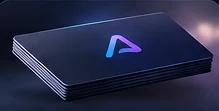
Digital business cards
Share contact details, portfolios, and social profiles from one card.
Dynamic QR codes and NFC links
Create dynamic QR codes and NFC links, change their destinations anytime, and track visits.
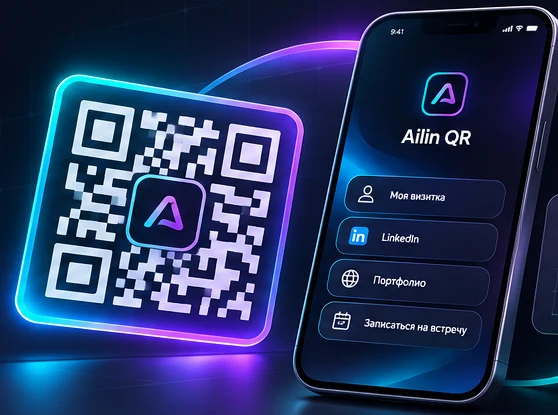
Use cases
Share contact details, portfolios, and social profiles from one card.
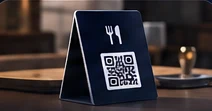
Update your digital menu without reprinting table signs.
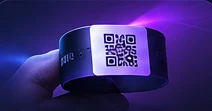
Link to schedules, registration, tickets, and information for guests.
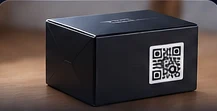
Share instructions, specifications, and certificates.
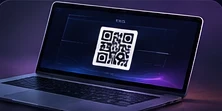
Send people to your work, projects, and professional profiles.
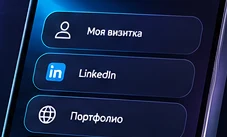
Link to a profile, a page, or a collection of links.
Features
Change the destination without reprinting the QR code.
Manage permanent links for NFC cards and tags.
See visits, device categories, and daily activity.
Adjust colors, add a logo, and export PNG or SVG.
How it works
Sign in, add a link, and create a QR code.
Choose a design, add a logo, and download your QR code.
Put it on a card, packaging, or an ad. Change the destination and track visits.
FAQ
A static QR code encodes its data directly. A dynamic QR code uses a permanent Ailin QR address with a destination you can change in your account.
Yes. Update the destination in your account. The printed dynamic QR code will lead to the new address.
Yes. Your account includes dynamic and static QR codes, NFC links, exports, and basic analytics.
Yes, you need an account to use the QR and NFC tools. Published links open without signing in.
Print the QR code on the card and write a permanent NFC link to the tag. Scan the QR code with a camera or tap the card with a compatible phone.
Yes. Upload an image in the generator and check that the QR scans before printing.
Ailin QR records visits to dynamic links and identifies the device category when available.
Sign in to your account to open the generator.